

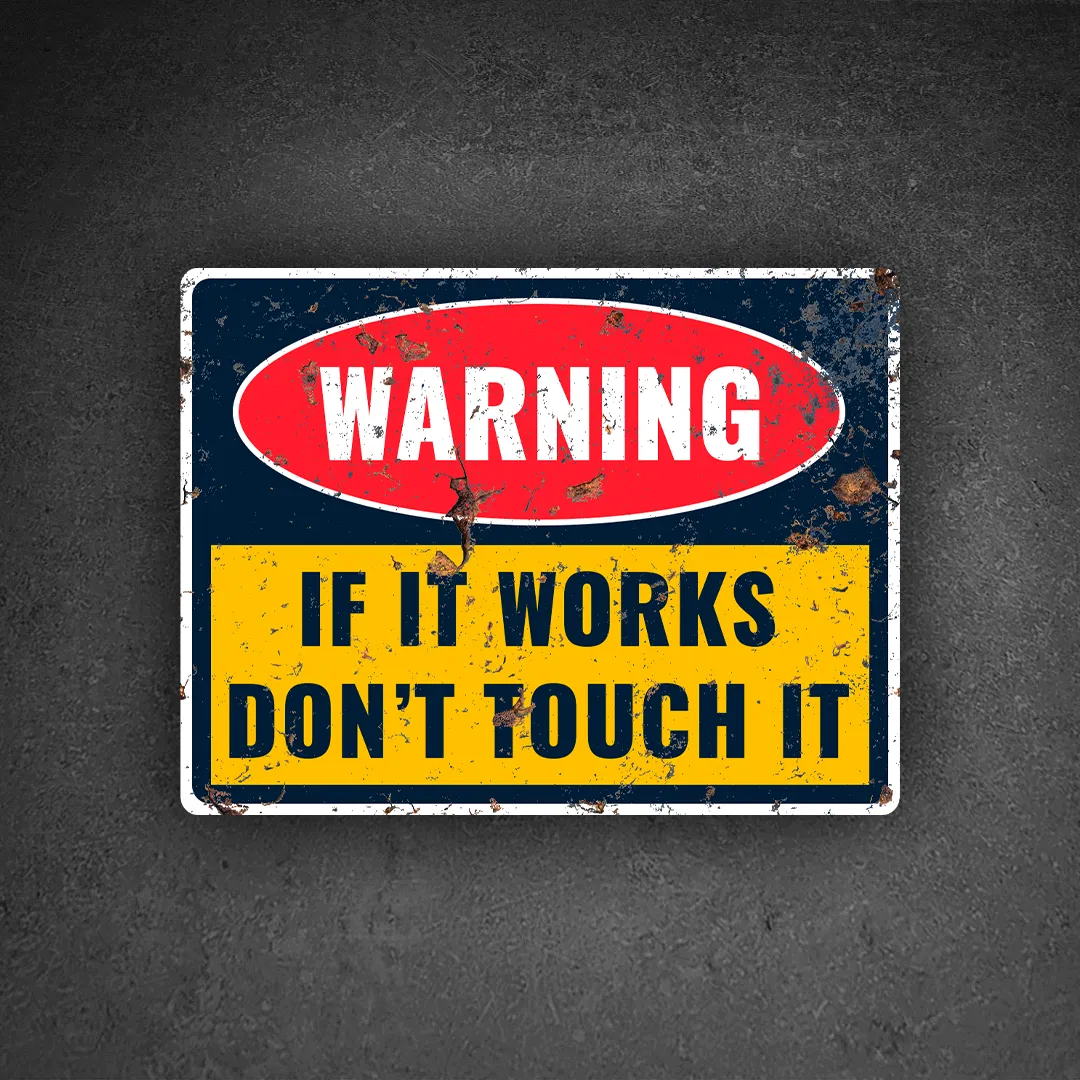
Examples Where “If It Works, Don’t Touch It” Applies Literally
1. The Router in a Strange Position
Many homes and offices have routers placed on a window ledge, bookshelf, or even hanging from a wall because someone discovered that internet speed and signal strength were significantly better there. Nobody dares move it because connectivity immediately drops.
2. Legacy Business Applications
Some organizations still run software developed ten or twenty years ago. Nobody fully understands the code anymore, but it continues processing payroll, inventory, or customer records flawlessly.
3. A Server Running for Years
IT administrators often encounter servers that have been operating continuously for years without major issues. The fear is that restarting or upgrading them could reveal hidden hardware or software problems.
4. Complex Firewall Configurations
Many network environments contain firewall rules created over several years. Administrators are often reluctant to remove old rules because they are unsure which business processes depend on them.
5. An Excel Spreadsheet Running Critical Operations
Some businesses rely on massive spreadsheets with complex formulas and macros. Nobody touches the formulas because one incorrect edit could disrupt financial reports.
6. Industrial Control Systems
Manufacturing plants frequently operate equipment controlled by old but stable software. Updating these systems may introduce downtime or compatibility issues.
7. Database Queries Built Years Ago
A report generation script may be inefficient but reliable. Since it consistently delivers accurate results, nobody wants to rewrite it.
8. Network Cabling Arrangements
Many server rooms contain cable routes that appear disorganized. Yet every device functions correctly, making technicians hesitant to rearrange them.
9. Specialized Printer Configurations
In many offices, there is always one printer that only works with a specific setup known by a few employees. Nobody wants to change the settings because the printer suddenly stops working whenever adjustments are made.
10. Old Website Integrations
A company website may depend on third-party APIs configured years ago. Since transactions are processing correctly, teams avoid making changes until absolutely necessary.
Experienced IT professionals understand that unnecessary changes often create problems where none existed before.
The Disadvantages of Following the Phrase Blindly
1. Security Vulnerabilities
Outdated systems often contain known security flaws. Avoiding updates can expose organizations to cyberattacks.
2. Technical Debt
Old technologies accumulate complexity over time, making future upgrades more difficult and expensive.
3. Knowledge Silos
When only one person understands a system, organizations become dependent on that individual.
4. Key-Man Risk
If the sole expert resigns, retires, or becomes unavailable, critical operations may be affected.
5. Reduced Innovation
Organizations that never modernize may miss opportunities for efficiency, automation, and growth.
6. Performance Limitations
Older systems often consume more resources and perform less efficiently than modern alternatives.
7. Compliance Risks
Regulatory requirements frequently evolve. Legacy systems may fail to meet current standards.
8. Vendor Support Expiration
Manufacturers and software vendors eventually stop supporting older products, leaving organizations exposed.
9. Higher Maintenance Costs
Maintaining outdated infrastructure often costs more than upgrading to newer solutions.
10. Business Continuity Risks
A system that appears stable today may fail unexpectedly tomorrow, especially when replacement parts or expertise are no longer available.
Recommendations for IT Professionals
1. Document Everything
If a system is important, ensure its configuration, architecture, and processes are documented.
2. Understand Before Changing
Study the system thoroughly before making modifications.
3. Test Changes First
Use staging or test environments whenever possible.
4. Keep Latest Security Updates
Apply security patches and updates after proper testing.
5. Eliminate Single Points of Knowledge
Ensure multiple team members understand critical systems.
6. Monitor System Health
Regular monitoring helps identify issues before they become major problems.
7. Review Legacy Systems Periodically
Stable does not always mean healthy.
8. Create Backup and Recovery Plans
Every critical system should have a documented recovery procedure.
Not every working system needs immediate changes, but every system should be periodically evaluated.
Conclusion
The phrase “If it works, don’t touch it” has kept many systems stable and prevented countless unnecessary disruptions. However, when treated as an absolute rule, it can create security vulnerabilities, knowledge gaps, and technological stagnation.
In technology, stability is valuable. Understanding is even more valuable.