

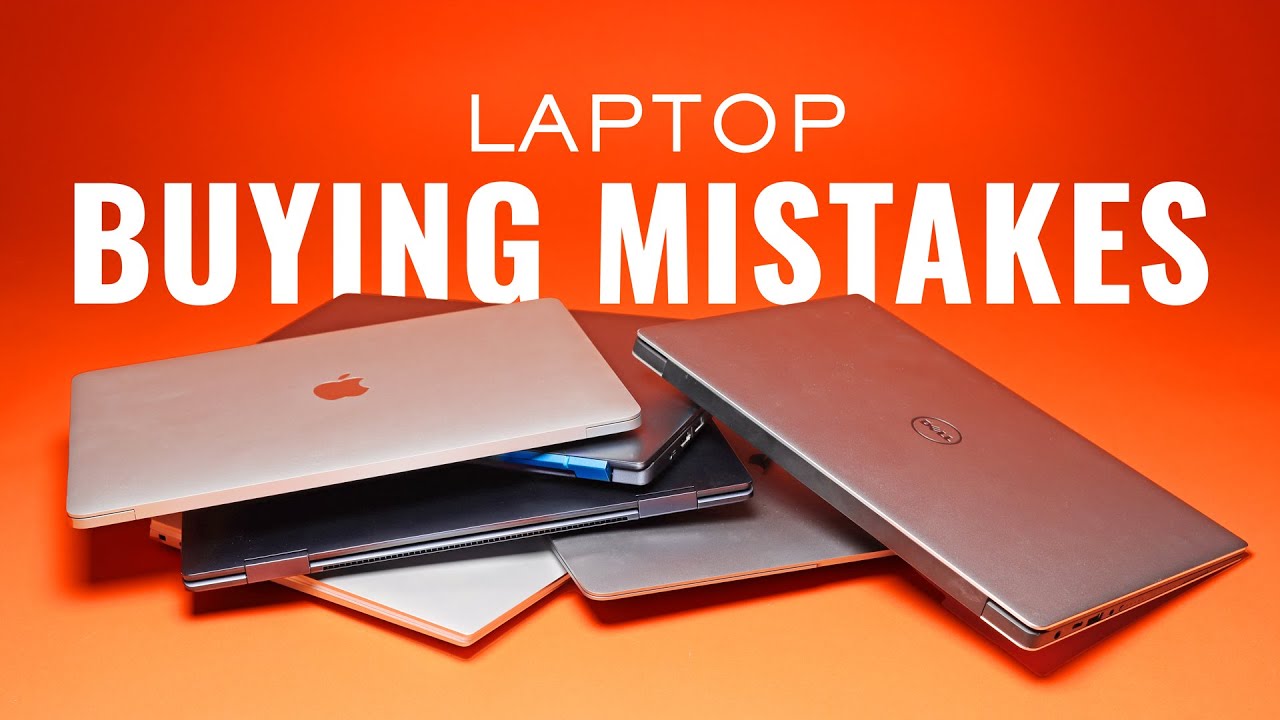
One of the biggest mistakes people make is buying a laptop because it “looks good” or because someone recommended a particular brand. A beautiful laptop with poor specifications will still give you a frustrating experience.
Before you spend your hard-earned money, here are a few things you should always check.
Start with what you’ll use it for
This is the first question you should answer.
Are you buying it for:
- Office work
- School
- Programming
- Graphic design
- Video editing
- Gaming
Your intended use determines the kind of processor, RAM, storage, and graphics you need. There’s no point paying for high-end specifications you’ll never use.
Don’t focus on the processor name alone
Many people simply ask, “Is it Core i7?”
That’s not enough.
A newer Core i5 can outperform an older Core i7. Always check the processor generation, not just the name. The same applies to AMD Ryzen processors.
RAM matters more than you think
In today’s world, 8GB RAM should be the minimum for most users.
If you regularly multitask, edit photos or videos, run virtual machines, or use demanding applications, consider 16GB or more.
Your laptop is only as smooth as the memory allows it to be.
SSD over HDD. Always.
If you’re still buying a laptop with only a traditional hard drive in 2026, you’re already behind.
An SSD makes your laptop boot faster, open applications quicker, and feel significantly more responsive.
If your budget allows it, choose at least a 512GB SSD.
Battery life isn’t just about the battery size
The processor, display, operating system, and overall optimisation all affect battery performance.
A laptop with efficient hardware can easily outlast another with a bigger battery but poor optimisation.
Check the display
You’ll spend hours looking at that screen.
Pay attention to: • Screen resolution • Brightness • Colour quality • Screen size • Refresh rate if you game or edit videos
A good display reduces eye strain and improves your overall experience.
Don’t ignore the ports
Many people realise too late that their new laptop doesn’t have the ports they need.
Check for: • USB-A • USB-C • HDMI • SD card reader • Headphone jack • Ethernet (if required)
Otherwise, you’ll be buying adapters for everything.
Build quality matters
A laptop isn’t just about what’s inside.
Check the keyboard, hinge, touchpad, webcam, speakers, and overall build quality.
A solidly built laptop can serve you for many years.
Read reviews before buying
Specifications tell only half the story.
Reviews reveal things like overheating, noisy fans, poor battery life, weak hinges, or software issues that manufacturers rarely mention.
Always do your research before making a decision.
Buying a laptop isn’t about choosing the most expensive model.
It’s about choosing the right laptop for your needs.
The best laptop is the one that gives you the performance you need without making you pay for features you’ll never use.
What is the first thing you check before buying a laptop?